
Dynamics 365 Business Central is built for organizations that need to track their project costs. Through the Job Management module, you can stay up to date and manage your project within Business Central, allowing you to effectively create, plan, consume, invoice and analyze your projects within your ERP.
What does Business Central’s Job Management help me to do?
The Business Central Job Management module helps you to track resource usage, project budgets and take advantage of advanced reporting by integrating it to Power BI and Excel. On top of that, project-based organizations can also enjoy these capabilities:
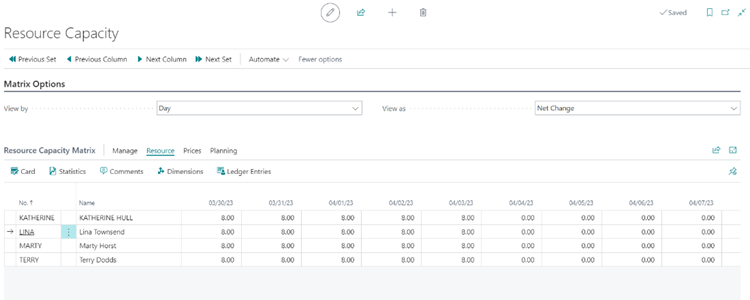
Capacity Planning
This feature helps your teams plan and manage the capacity of your resources to ensure that you can meet your project deadlines. You can create resource capacity plans that take into account the availability and workload of your resources, and use them to manage your resource allocation.
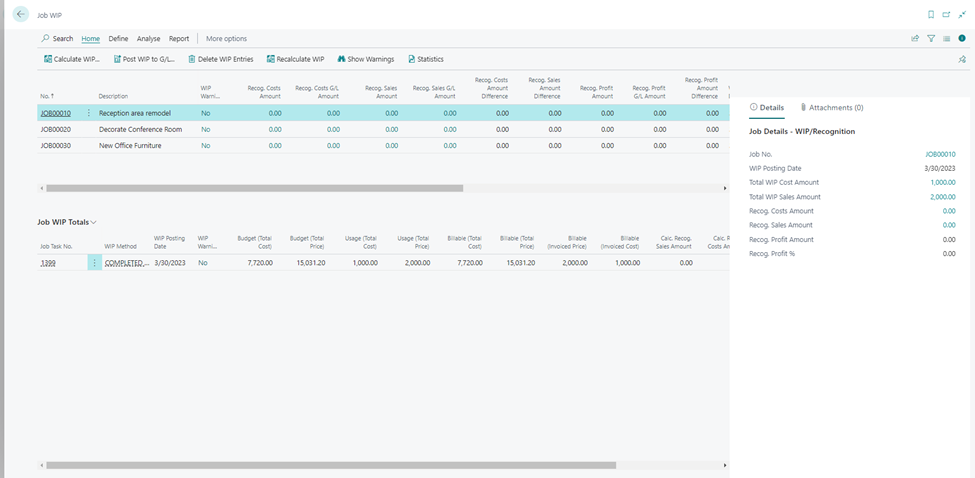
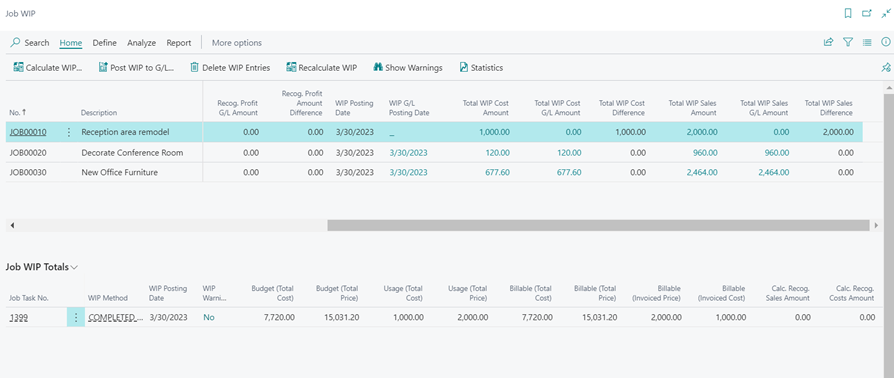
Job WIP (Work in Progress)
Job WIP allows you to track the progress of each job and monitor the costs incurred to date. You can use WIP reports to determine the percentage of completion for each job, track the remaining costs, and calculate the estimated profit.
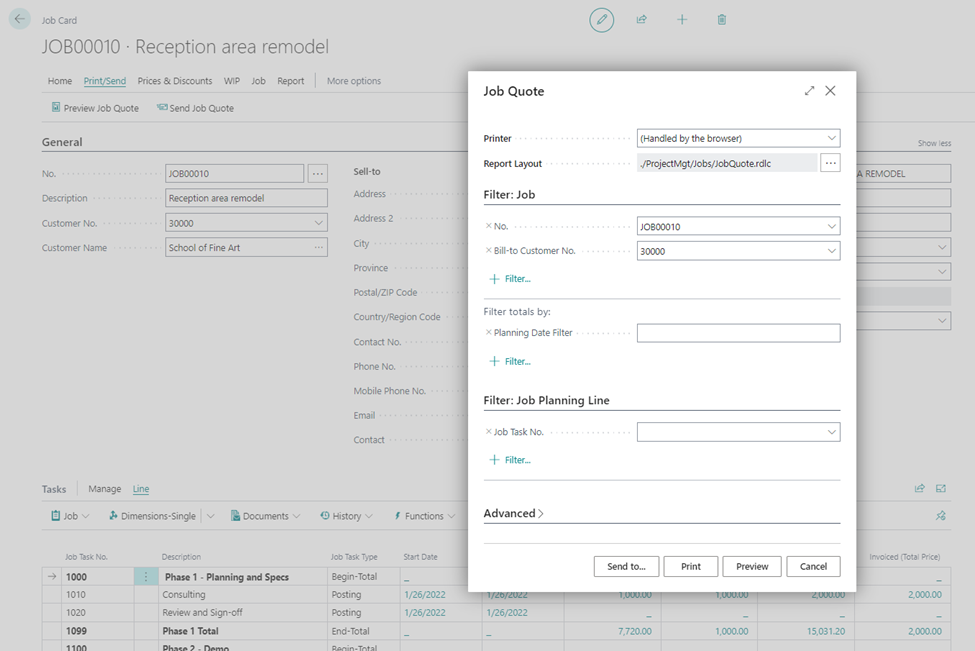
Job Quote
This feature allows you to create detailed and professional quotes for jobs or projects, accurately estimating costs and outlining the scope of work. With the ability to track versions, convert quotes into projects, and seamlessly integrate with financials, you can streamline the quoting process and ensure accurate cost tracking and revenue recognition. Job Quotes help you provide transparency to customers, optimize profitability, and efficiently manage job-based business processes.
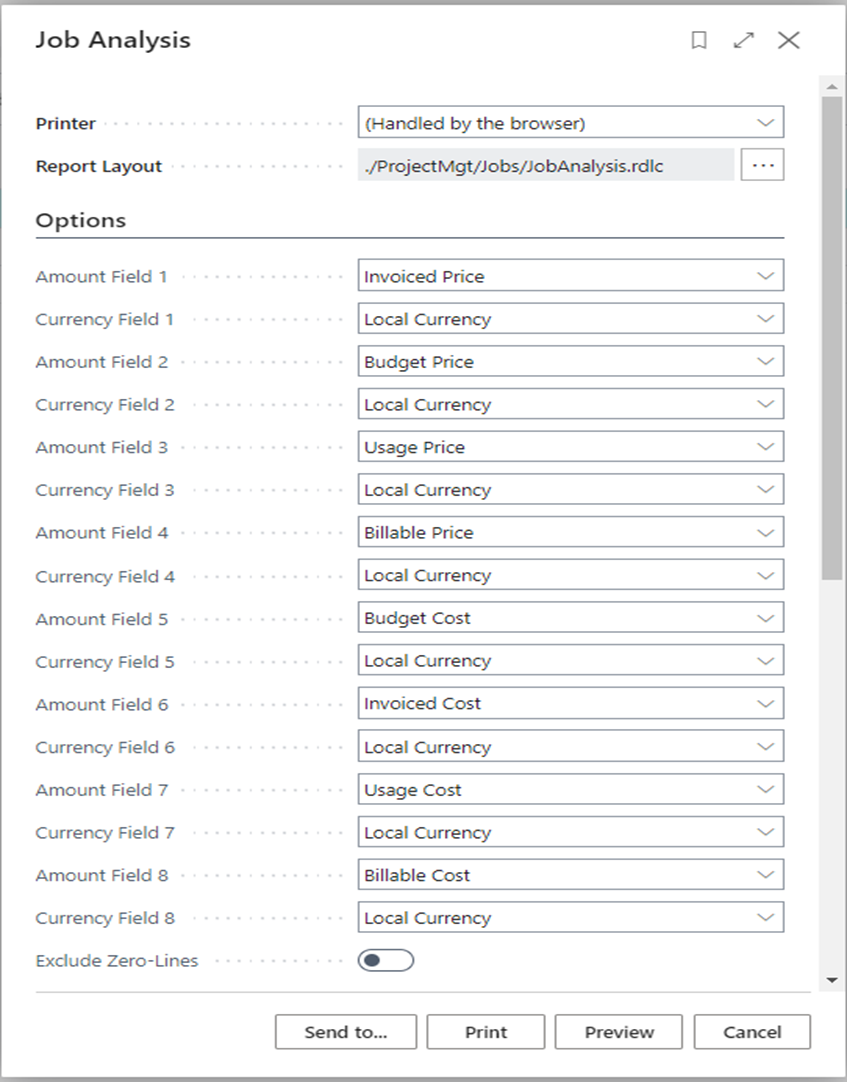
Job Analysis
Job Analysis enables you to analyze the financial performance of your jobs by tracking costs, comparing them to budgets, and assessing profitability. It provides insights into job progress, cost breakdowns, and budget variances, empowering you to make informed decisions. With real-time reporting and monitoring capabilities, you can effectively manage and optimize your projects, control costs, and improve overall profitability for successful project outcomes.
Job Templates
With this feature, you can create job templates that contain pre-defined tasks, resources, and costs. You can use job templates to quickly create new jobs that have similar characteristics, saving you time and effort.
If you’d like more information or helpful tips to assist your company in using Jobs Module in Business Central, comment below or contact us here.
